



Зміст статті
- What is Low-Code/No-Code?
- Low-code and No-code: how they are changing the business analyst’s approach
- How low-code/no-code development can be used
- Top no-code and low-code services in 2026
- What are the limitations of low-code/no-code development?
- Cost and hidden risks
- Practical application of coding
- What are the current trends and future forecasts for low-code/no-code development?
- How Atlant Digital uses low-code and no-code platforms in website development
What is Low-Code/No-Code?
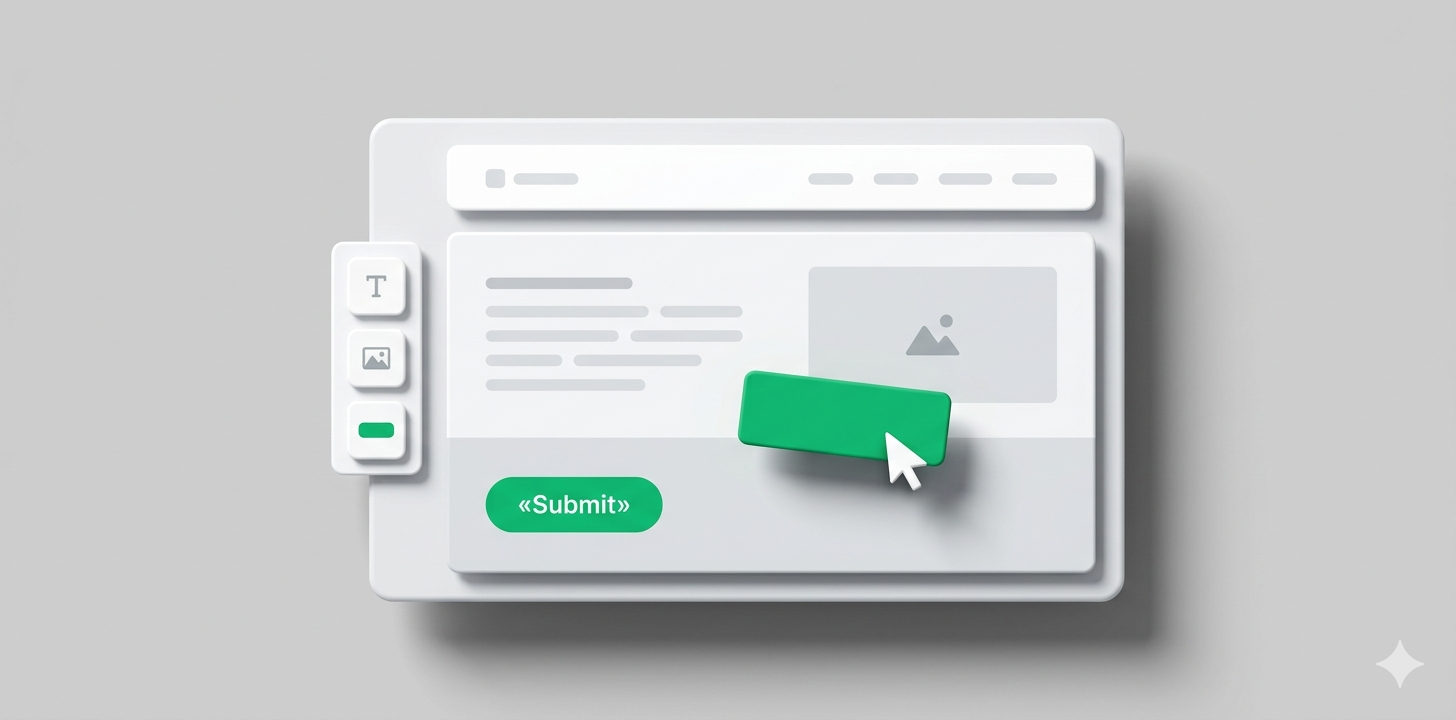
Low-code is a development approach where visual interfaces are used instead of manual coding: drag-and-drop builders, ready-made logic blocks, templates, and components. The platform generates code “under the hood” on its own — the user assembles functionality from pre-built elements, like building with LEGO. The no-code approach goes even further — there, the user doesn’t write a single line of code at all.
The idea is not new: visual development tools have existed since the late 1990s. But it is precisely now that they have reached a level where they genuinely replace part of traditional development, rather than simply building basic forms. The low-code development market reached $44.5 billion in 2026 with a growth rate of 19% annually — and continues to accelerate.
Low-code vs No-code: What’s the Difference
No-code — development without any code: a visual interface, ready-made components, zero entry threshold. Perfect for simple websites, landing pages, and basic automations. But customization is limited: you only work with what the platform provides by default. Doing more than the platform intends is simply not possible.
Low-code — a hybrid approach: most functionality is built visually, but a developer can write code where standard components fall short. Basic technical knowledge is required, but flexibility is significantly higher. Suitable for more complex products — enterprise applications, system integrations, and custom logic.
💡 A simple decision rule: standard task — no-code. Complex logic or custom integrations — low-code. A unique product with its own design and complex architecture — traditional development.
Pros and Cons of Low-Code/No-Code
Before choosing a platform, it’s worth honestly weighing what you gain — and what you give up.
Advantages:
- speed — what used to take three months of development can be assembled in a few days
- accessibility — a marketer can build a landing page themselves, a manager can set up automation, no developer needed
- the ability to test hypotheses with real users before major investment
- lower risk at the start
Disadvantages:
- limited flexibility — non-standard logic quickly hits the platform’s ceiling
- platform dependency — the application lives inside someone else’s system, and migrating it elsewhere is a separate, costly project
- scaling issues as load increases
- hidden costs — at scale, it can be more expensive than traditional development
Low-code and No-code: how they are changing the business analyst’s approach
Previously, an analyst would gather requirements, document them in a technical specification, and hand them off to developers — then wait for months. They would then receive the result, find discrepancies with what they had in mind — and the cycle would repeat. Now they build the prototype themselves: a form, a dashboard, an automation. They show it to stakeholders, collect feedback — and only then pass it to development with clear requirements.
The “citizen developer” — a person without a technical background who independently builds digital tools — has become a reality thanks to no-code. Companies are training managers and marketers to work with such platforms, freeing up IT for more complex tasks. Developers, in turn, stop spending time on minor internal requests and focus on architecture and complex solutions.
How low-code/no-code development can be used
These tools work best where speed is needed and uniqueness is not. A marketing team updates landing pages and launches new ones on their own — without waiting in line for a developer and without writing a technical specification. Analysts build internal dashboards with real data in a day, not a week. Managers set up automatic data transfer between systems — CRM, email, spreadsheets — without a single line of code. Startups validate an idea with real users in a few weeks and only invest more after confirming demand. And ordinary Google Sheets tables are turned into a mobile tool in just a few hours.
Top no-code and low-code services in 2026
Bubble
A no-code platform for web applications: SaaS, marketplaces, databases, authentication, payment integrations. A large marketplace of ready-made plugins speeds up development. But there are nuances: Bubble is hard to learn from scratch, as it has its own logic that resembles neither code nor other builders. Bubble handles load poorly as the audience grows, and there is no way to export your finished product from the platform — the code is not made available externally. For: startups and MVPs (minimum viable products for validating an idea).
Creatio
Creatio is a CRM and business process builder in one. You can automate a sales funnel, contract approvals, and request handling — without a developer. For example, a client request automatically moves through a manager, lawyer, and executive to a final decision, with every step recorded in the system. Meets security requirements for the financial sector. For: medium and large businesses with complex internal processes.
Webflow
The standard for marketing websites. The layout matches the design mockup precisely — no element shifts out of place, and all of this without writing HTML/CSS. The built-in CMS allows the team to add and edit content independently. Clean SEO code — the site is indexed well without additional configuration. Not suitable for applications with complex backends and non-trivial logic. For: marketing teams and agencies.
Mendix
A leader in the Gartner industry ranking. Works in two modes — for business users without technical knowledge and for developers with full control. Business and IT can work in the same tool simultaneously without getting in each other’s way. Flexible deployment: on-premise servers or cloud. For: large enterprises with serious infrastructure requirements.
OutSystems
Designed for large companies that need to integrate legacy systems with new ones and get a product that works equally well in a browser and on a smartphone — without separate mobile development. AI helps accelerate development directly in the editor, and DevOps tools are built in out of the box. For: corporations with large and complex IT infrastructure.
Microsoft Power Apps
One of the most widespread examples of Microsoft no-code solutions in the enterprise segment. Deep integration with Teams, SharePoint, Dynamics, and Azure — if a company is already in the Microsoft ecosystem, Power Apps fits in without extra configuration. The built-in Copilot lets you describe what you need in plain language and get a ready-made app template without any manual setup. For: corporate teams in a Microsoft environment.
Retool
Stands apart from most no-code services: it requires technical knowledge but allows you to build data-heavy admin panels, dashboards, and mini-CRMs in hours, not weeks. Connects to any database or API. For: engineering teams and startups that need powerful internal tools fast.
Appian
Appian automates processes that move through multiple departments simultaneously: requests, approvals, execution tracking. Every step is recorded and meets regulatory requirements — which is why it is chosen by banks, insurance companies, and healthcare organizations, where a process error is costly. For: large businesses in finance, insurance, and healthcare.
Zoho Creator
A budget-friendly platform for small and medium businesses — around $8 per user per month. Web and mobile applications, analytics dashboards, and no-code automations. Convenient for those already using other Zoho products — CRM, accounting, or email: everything works together without extra configuration. For: small and medium businesses.
Glide
Turns Google Sheets or Excel into a mobile application without code. Task trackers, product catalogs, simple CRMs — in just a few hours. If the data is already in spreadsheets, Glide simply adds a convenient mobile interface on top of it without any additional development. For: teams whose data is already in spreadsheets.
What are the limitations of low-code/no-code development?
Before choosing a platform, it’s worth knowing where it tends to fall short:
- Unique UX. The interface and components are limited by the platform’s templates — making something that genuinely stands out from other users of the same platform is difficult. If design is part of your competitive advantage, no-code will quickly become a constraint.
- Complex logic. Dozens of conditional branches turn into an unwieldy maze of blocks that is hard to read and maintain. What a developer would write in ten lines of code becomes a cumbersome diagram in a no-code editor.
- Performance. What works well for a hundred users may slow down significantly at a thousand. Most platforms are optimized for small and medium loads — as the audience grows, you either have to pay for higher tiers or switch to traditional development.
- Debugging. When classic code throws an error, it shows the exact line and reason — the developer immediately knows where to look. In no-code, it’s most often just “something went wrong” with no details, and tracking down the cause by trial and error can take just as long as it would in code.
Cost and hidden risks
The main trap is a cost that grows unnoticed:
- Subscription per user: five people — one price, fifty — a completely different one. The base plan looks attractive, but the real costs only become clear when you scale.
- Additional modules and API access cost extra: the real price is always higher than what’s shown on the homepage. The basic plan is for getting acquainted — working functionality is in the paid tiers.
- The product lives inside someone else’s system: some platforms won’t even let you take the code with you if you decide to leave. Migrating to another platform or to traditional development is a separate, costly project.
Calculate the total cost 2–3 years ahead, not just the monthly subscription.
Practical application of coding
Low-code and no-code work best where speed is needed, not uniqueness:
- A startup validates an idea: instead of spending months on full-scale development, they build an MVP (minimum viable product) in 2 weeks, launch it with real users, and watch the response. If there’s demand — they invest more. If not — the pivot cost a few weeks, not half a year and a large budget.
- A company offloads IT: operations managers, analysts, and marketers independently build the tools they need — trackers, dashboards, forms, automations. No waiting in line for a developer, no writing technical specifications, no months of waiting. IT, in turn, doesn’t get spread thin on minor internal requests and stays focused on core systems and architectural decisions.
- Marketing moves fast: a new landing page, an offer test, or a content update — in a day, not a week. The team makes edits themselves, runs A/B tests, and updates pages without involving a developer. This is especially important during active ad campaigns, when response speed directly affects results.
What are the current trends and future forecasts for low-code/no-code development?
The market is growing, but what matters more than size is the direction of change:
- AI copilots in every platform: Microsoft Power Apps, OutSystems, and Mendix already allow you to describe an application in plain text and get a ready-made template without any manual configuration. This reduces the time from idea to first prototype to just a few minutes.
- Less code — the next level: AI-native platforms generate fully functional applications from a single prompt, without a visual editor at all. The line between “write a prompt” and “write code” is fading.
- Regulatory requirements are growing: banks, healthcare, and the public sector require compliance with GDPR, HIPAA, and SOC 2 — platforms are actively investing in security and standards compliance to enter the enterprise segment.
💡 Overall forecast: low-code/no-code will not replace developers, but it will change their role. Routine work will shift to regular users and AI, while developers will focus on architecture and complex solutions where automation still falls short.
How Atlant Digital uses low-code and no-code platforms in website development
At Atlant Digital, we use both approaches where each delivers the best results. Webflow — for marketing websites and landing pages: the client gets a quality result quickly and can edit content themselves without involving a developer. For complex projects — corporate portals, custom integrations, products with unique business logic — we choose traditional development, because we understand: there are tasks where low-code becomes a limitation, not an advantage.
Our approach: understand the task first, then choose the tool. Not the other way around. If you’re not sure which approach suits your project — tell us. We’ll analyze it and propose a solution that actually solves the problem. Our approach: understand the task first, then choose the tool. Not the other way around. If you’re not sure which approach suits your project — tell us. We’ll analyze it and propose a solution that actually solves the problem. Order website development from our marketing agency!