

Are you spending your advertising budget, but your customers aren't coming back?
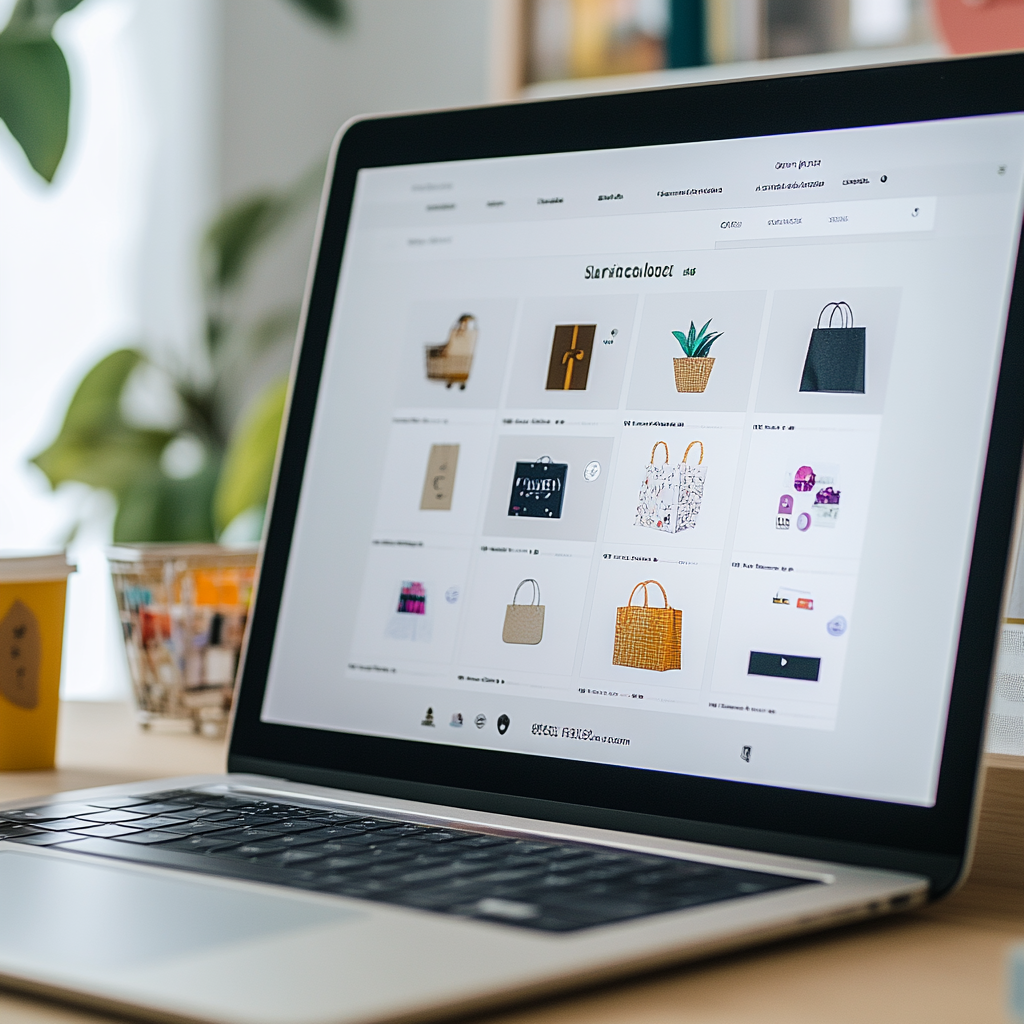
People visit a website, browse products or services, add them to their cart, but… never complete the purchase. Does this sound familiar? If so, you urgently need to pay attention to remarketing in Google Ads. This is a powerful tool that allows you to return interested users and significantly increase conversion. Remarketing in Google Ads works on the principle of storing information about site visitors through cookies. Then these users see personalized advertising on other Google platforms: YouTube, the search network, and partner sites.
According to Google, 97% of website visitors don’t make a purchase on their first visit. But the good news is that 70% of them are willing to come back if you remind them about a product or service. This is where remarketing comes in.
Let’s take a look at how it works and what you need to do to use it most effectively.

What is remarketing and how does it work?
Remarketing is a targeted advertising strategy that allows you to show ads to users who have already visited a site but have not taken the targeted action (purchase, booking, registration, etc.).
How does it work?
- A user visits your site and browses for certain products or services.
- Google Ads stores information about their actions using cookies.
- Then, when the user visits other sites or uses YouTube, they are shown your ads.
- This reminds them of your business and motivates them to come back and complete the purchase.
A successful example from Atlant.Digital: In the VIP Lake Travis case, remarketing allowed us to bring back users who had interacted with the site but had not made a booking. The campaigns targeted those who viewed service pages or added items to their cart but did not complete the action.
Using personalized ads with discount offers has significantly increased conversion.
Learn more: case here.
Main types of remarketing in Google Ads
🔹 Standard remarketing – showing ads to users who have visited your site on other sites in the Google Display Network.
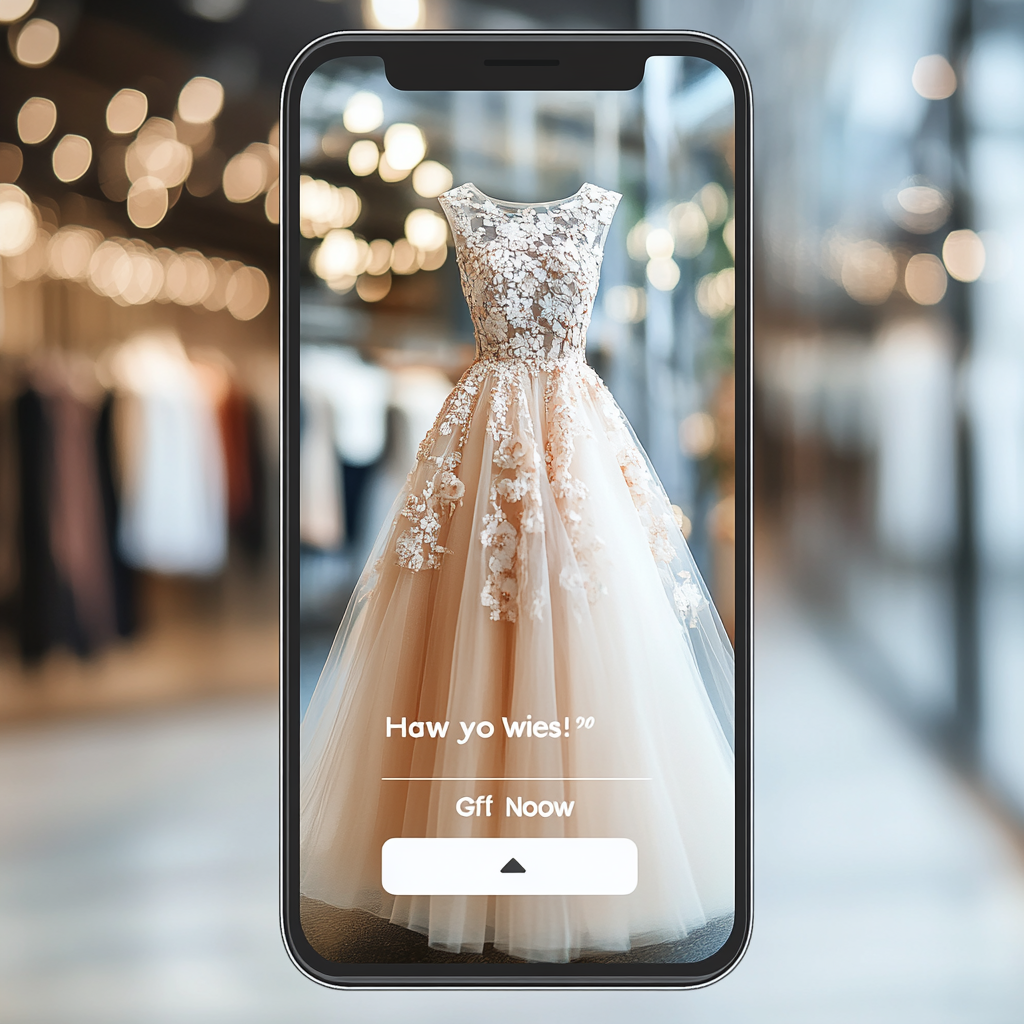
🔹 Dynamic remarketing – personalized ads with specific products or services that a user has viewed.
🔹 Remarketing on the search network (RLSA) – advertising on Google Search that appears to those who have already visited your site and are looking for similar products or services.
🔹 Video remarketing – ads on YouTube for users who have previously interacted with your content or visited your site.
🔹 Email remarketing lists – advertising to users who have left their email (for example, subscribed to a newsletter).
How does remarketing help bring back a customer?
1. Targeting interested users
One of the biggest advantages of remarketing is the ability to work with “warm” leads – people who have already been interested in your product.
🔹 Example: If a user viewed a boat rental page, they might see ads with additional services or special discounts.
💡 Practical tip: create a list of remarketing audiences in Google Ads based on different behavior scenarios (viewing a product, adding to cart, leaving contact information).
2. Ads personalization
Users are much more likely to respond to ads that are relevant to their interests. Remarketing allows you to show personalized ads based on their interactions with your site.
🔹 Example: If a user has added an item to their cart but hasn’t completed the purchase, you can offer them a 10% discount or free shipping to motivate them to complete the order.
💡 Practical advice: use dynamic remarketing – show users the same products or services they viewed.
3. Implementing limited offers
People often put off making a purchase until later, and it is important to create an effect of urgency.
🔹 Example: “Only 48 hours! Add your Ellie Dresses to your cart and get free shipping!”.
💡 Practical tip: add a countdown timer or special bonuses for those who make a purchase within a short period.
4. Using an omnichannel strategy
Today’s users may start their search for a product on one device and complete their purchase on another, so it’s important to use remarketing across all available channels.
🔹 Example: Search ads, Google Display Network, YouTube, and Gmail allow you to “catch up” with a customer across different environments.
💡 Practical tip: set up cross-remarketing – for example, users who clicked on an ad on Facebook can receive a personalized offer in Google Ads.
How to set up effective remarketing in Google Ads?
1. Install Google Tag Manager or Google Ads Pixel
This will allow you to track user actions on the site and create audiences for remarketing.
2. Segment your audience
Instead of showing everyone the same ads, divide users into groups:
- Those who viewed products but did not add them to their cart.
- Those who added products to their cart but did not purchase.
- Those who placed an order but have not returned in a long time (for repeat sales).
3. Use personalized ads
Promotional messages should be relevant to users’ interests. For example:
✔ “Have you viewed this dress? Get 10% off!”
✔ “Your cart is waiting! Complete your purchase with a special bonus”
4. Optimize your display frequency
Excessive advertising can be annoying. Optimally, 5-7 impressions per user per week.
5.Test different ad formats
Try banner ads, video ads, dynamic remarketing to find the most effective option.
6. Use Lookalike Audiences
Google lets you create audiences that are similar to those who have already made a purchase, which can help you reach even more potential customers.
Practical tips you can apply right now
✔ Launch dynamic remarketing – this way you will remind users about the products they were interested in.
✔ Show a special offer – discounts, free shipping or a bonus for those who return to the site.
✔ Test video remarketing – remind about your products in YouTube videos.
✔ Use A/B testing – check which ads and audiences work best.
✔ Optimize campaigns – exclude irrelevant impressions, add negative keywords.
Why is remarketing a must-have for business?
💡 Fact 1: 72% of online shoppers return and complete a purchase after remarketing. This is one of the most effective ways to increase ROI and conversion.
💡Fact 2: The cost of advertising for a “warm” audience is 50-70% lower than for new users. This allows you to save budget and get more sales.
Conclusion: time to act!
Remarketing isn’t just another tool in Google Ads, it’s a powerful way to reengage leads and increase sales. If your business isn’t already using it, now’s the time to start!
🚀 Ready to improve your advertising campaigns? Implement remarketing in Google Ads and use its power to grow your business! And the Atlant.Digital team of specialists can help you with this today!